Media attachments in comments
Bringing visual feedback into Canva comments
Some results have been anonymized for confidentiality. I can discuss further detail during an interview.
Impact
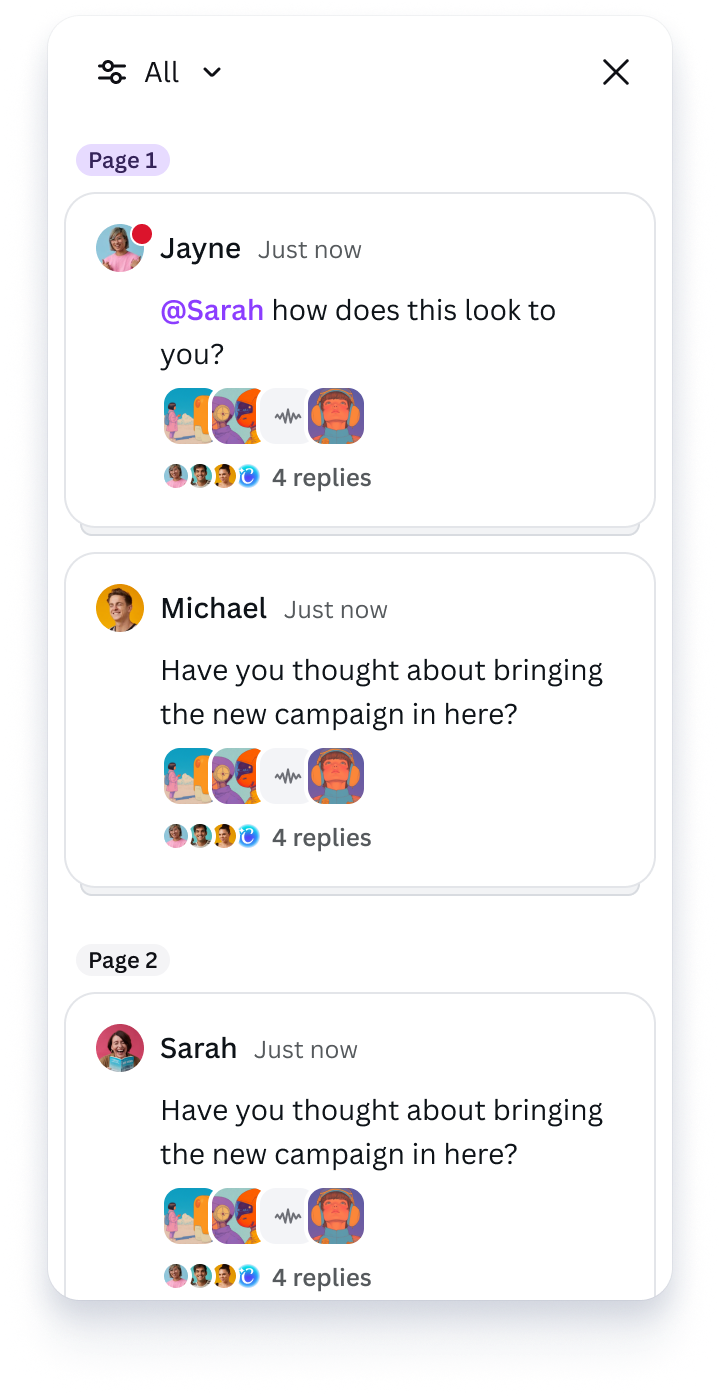
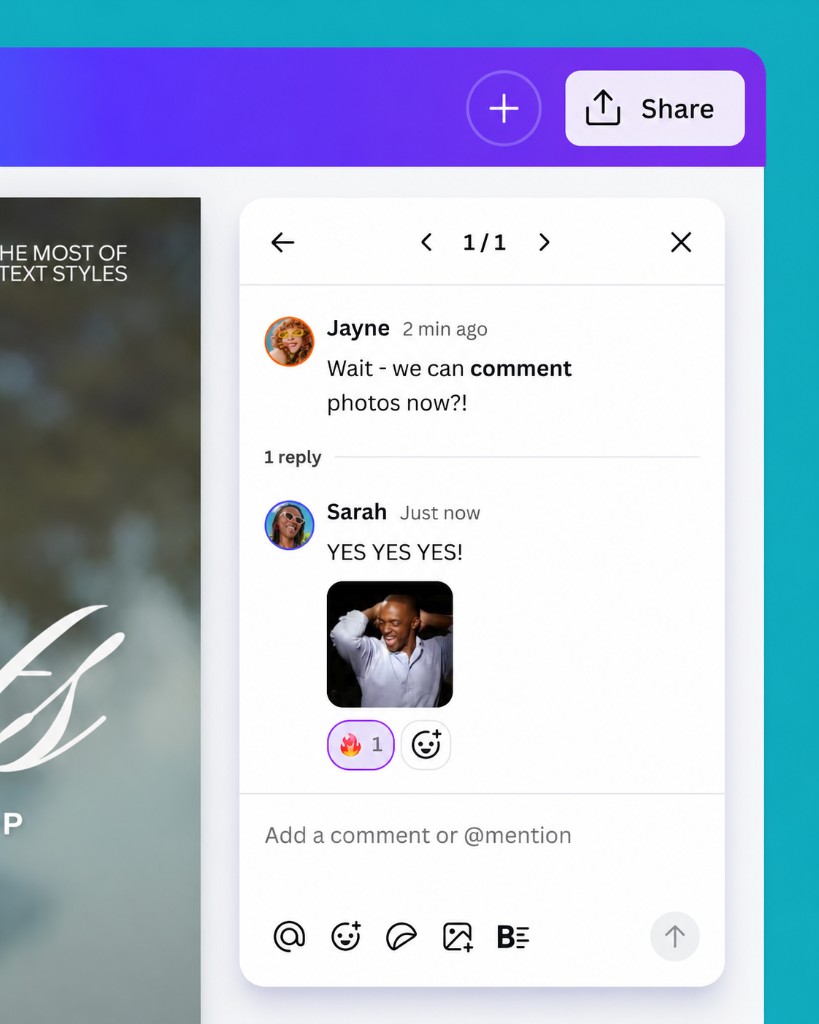
- Enabled visual feedback for design reviews and classroom collaboration.
- Achieved strong early adoption of image and video attachments.
- Built a reusable component library that other teams adopted for attachment experiences elsewhere in Canva.
“The feature felt polished and considered, and a lot of that quality came from your attention to the detail of each state”
Product manager
Problem and context: Canva’s comments were text only, limiting how users could share visual feedback during design reviews and classroom collaboration. Media attachments had been in development for years, and I joined as the project approached launch.
Key interaction details were still missing, and parts of the built interface had drifted from the designs. The engineers needed design support to work through these gaps and ensure the experience launched to a high standard of quality.
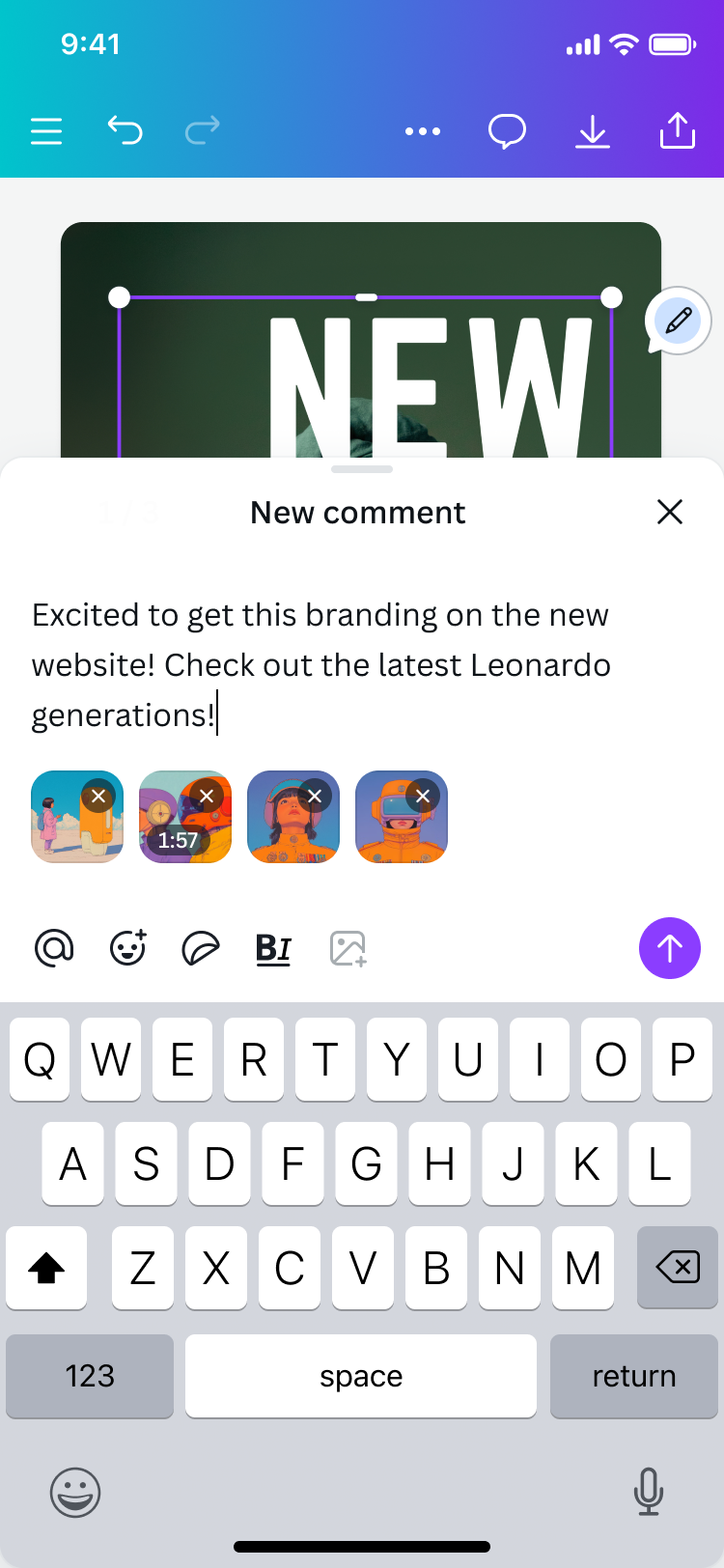
The opportunity: Help users add images and videos to comments through an experience that felt straightforward and reliable, including when uploads took time or something went wrong.
Approach and contribution: I reviewed progressive builds to identify missing interactions and anticipate what users would expect when adding attachments. This included drag-and-drop support, error states, and handling interrupted uploads or lost and slow internet connections. I also replaced spinners with progress bars so users could see how their uploads were progressing.
I regularly reviewed builds with engineers, flagged differences from the designs and kept track of UI fixes that needed to be made in the build before launch.
Alongside this, I led UI design and rebuilt the comment components as a reusable library. This replaced the fragmented Figma designs I’d been handed with a single place to find the most up-to-date designs. Other teams also adopted the library to build similar experiences, including in Canva AI.