Simplified mobile downloads
A clearer way to save designs with fewer crashes and less friction.
Some results have been anonymized for confidentiality. I can discuss further detail during an interview.
Impact
- Reduced app crashes during downloads.
- Reduced help requests as download progress and saved-file locations became clearer.
- Improved editor responsiveness during downloads.
- Increased the number of people returning to download again.
“Alvin is able to see the big picture, articulate edge cases and highlight user considerations, ensuring a complete design.”
Product manager
Context: Canva was working to simplify its interface and improve performance. A mobile audit had identified several problems with downloading, and I took on the redesign while continuing to support my primary team.
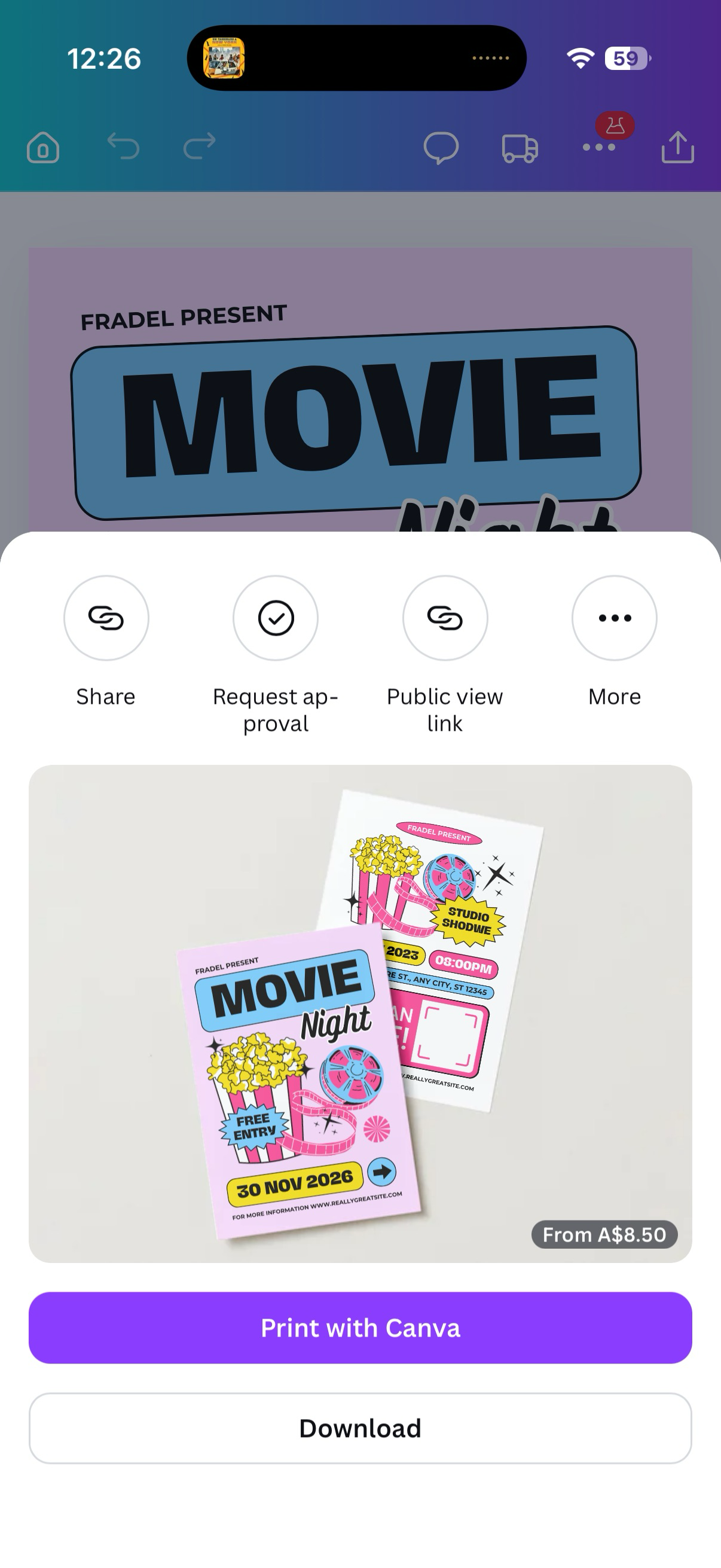
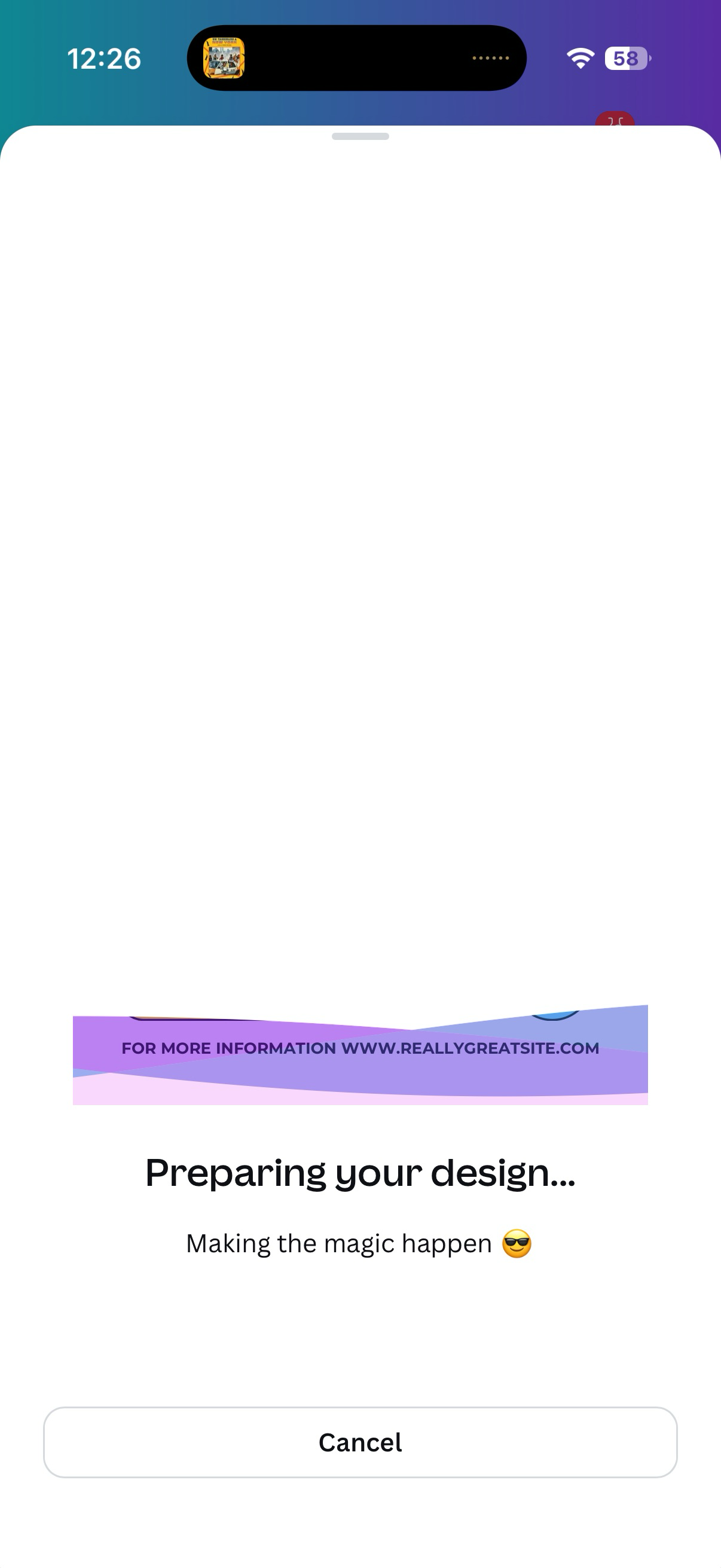
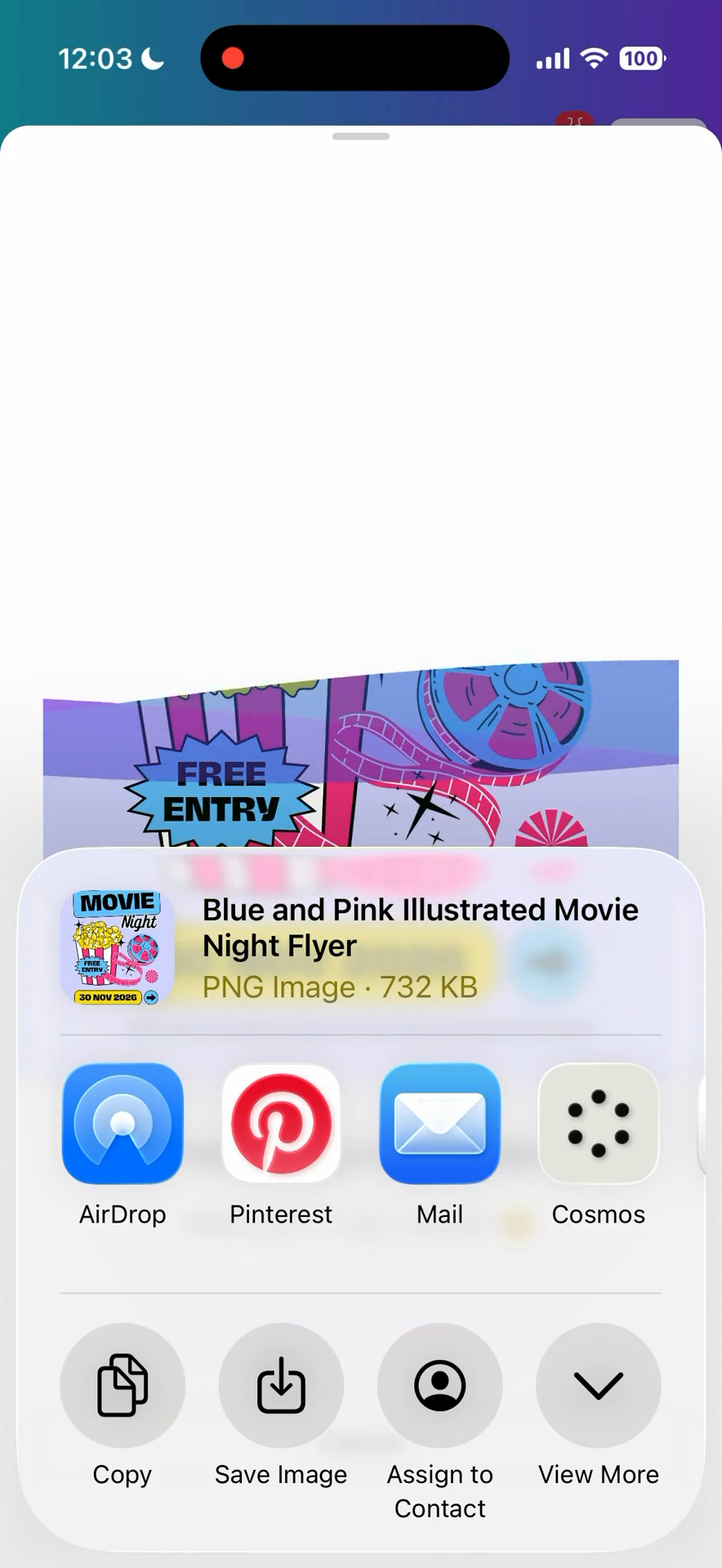
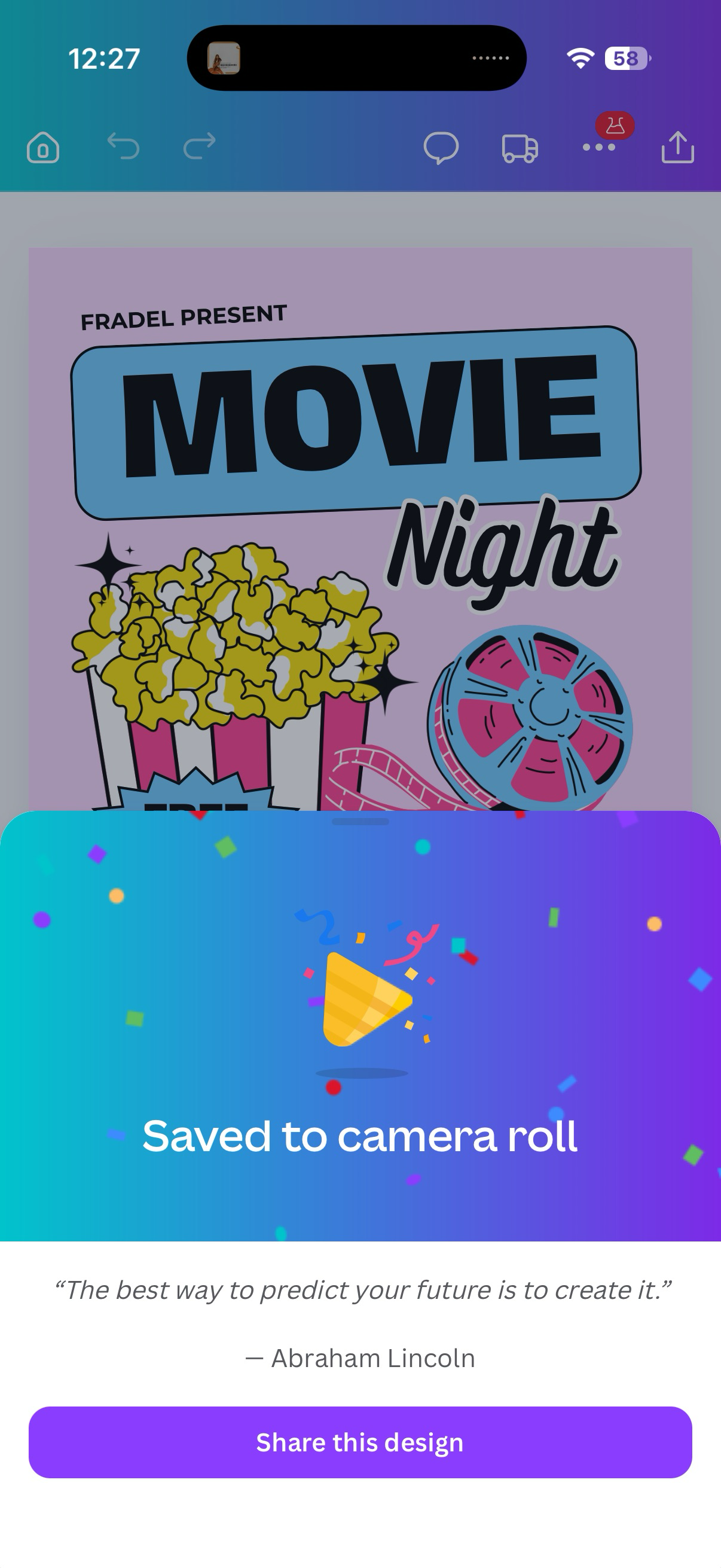
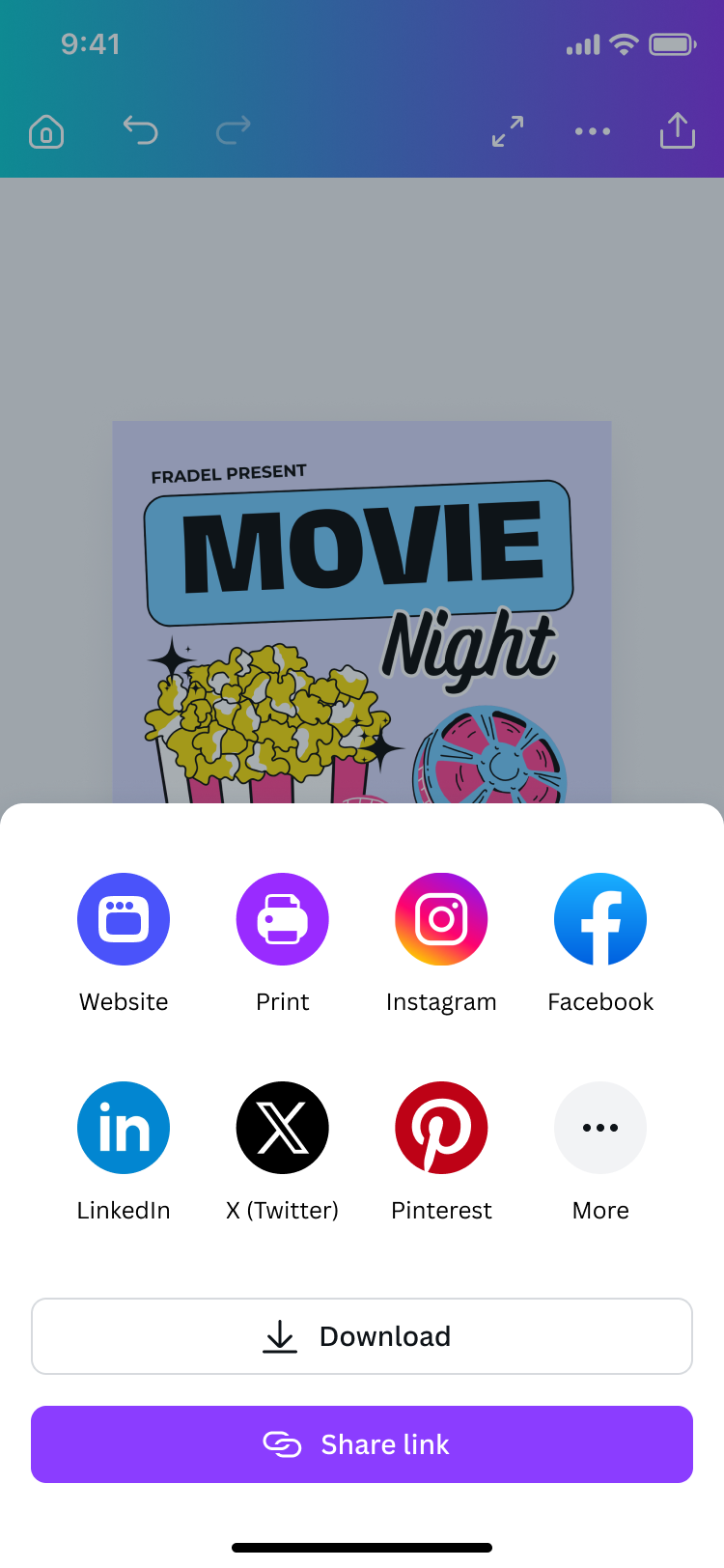
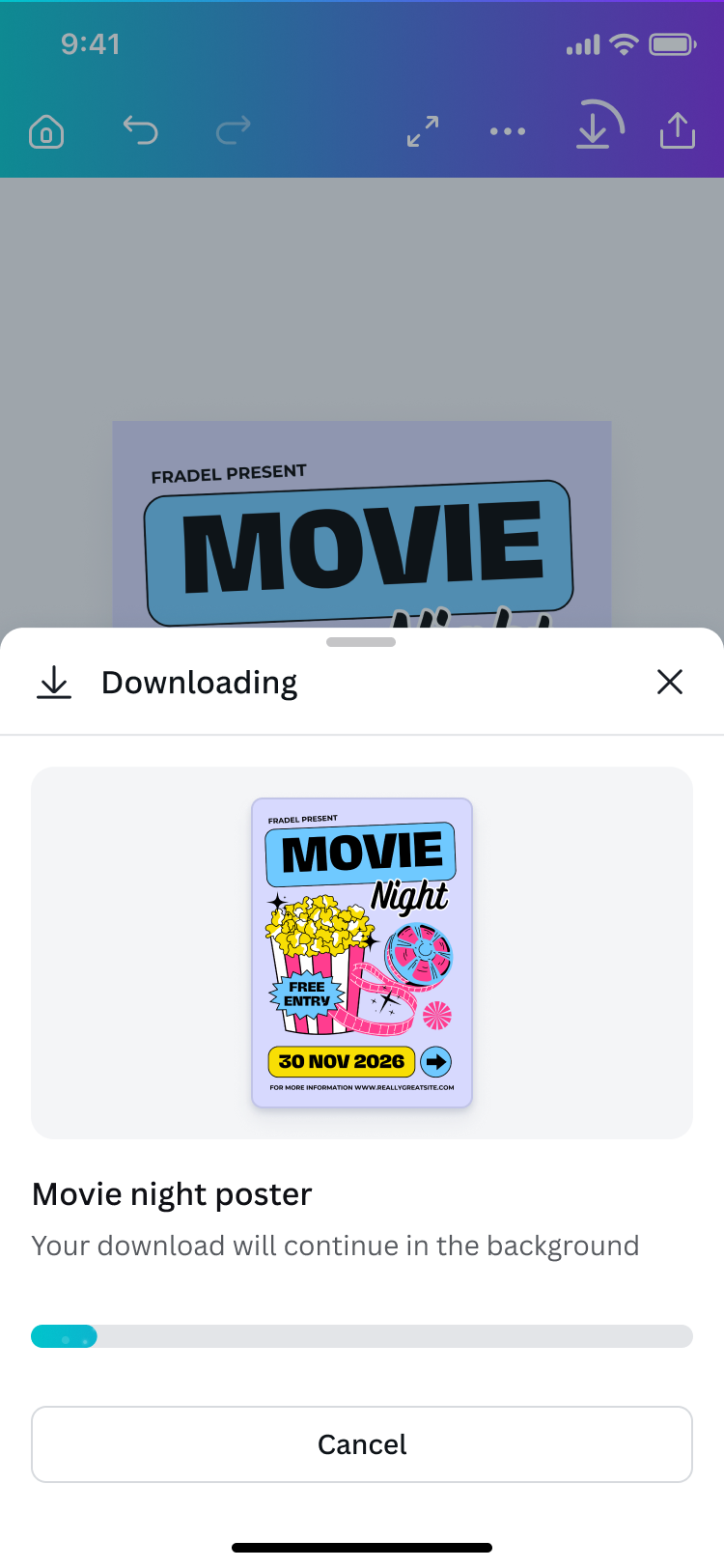
The problem: The experience left people guessing whether their design had downloaded correctly, where it had saved, and whether closing the download sheet would interrupt it. A download animation would keep playing even after the design had finished downloading. The native share sheet also opened automatically, where choosing “Save image” could create a duplicate.
Challenges: I was working outside my usual team and balancing this project with my existing work. The design also needed to cover what happened when people kept editing during a download, when a download failed, and when their file was ready.
The opportunity: Help people download their designs without feeling overwhelmed by too many options or confused about the state of their download and where it had saved.
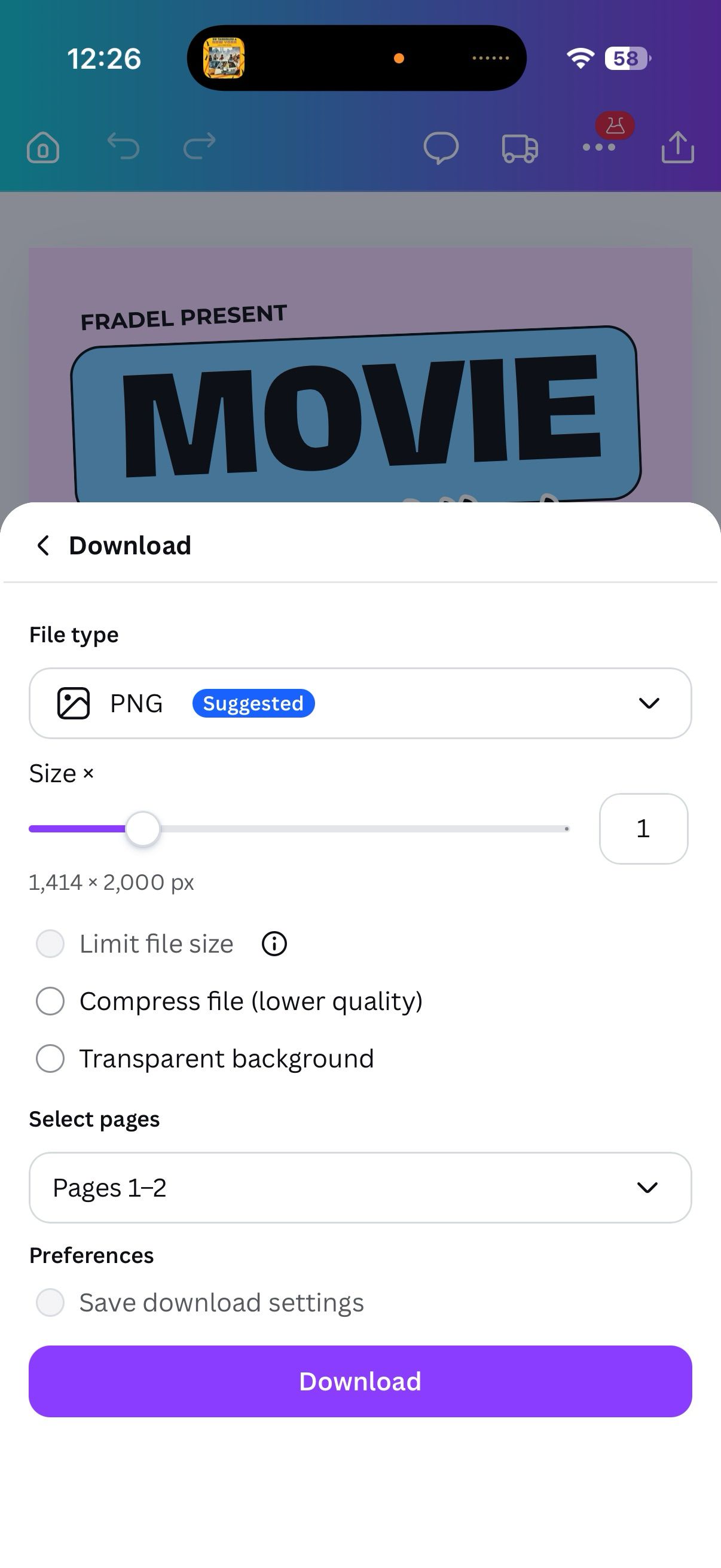
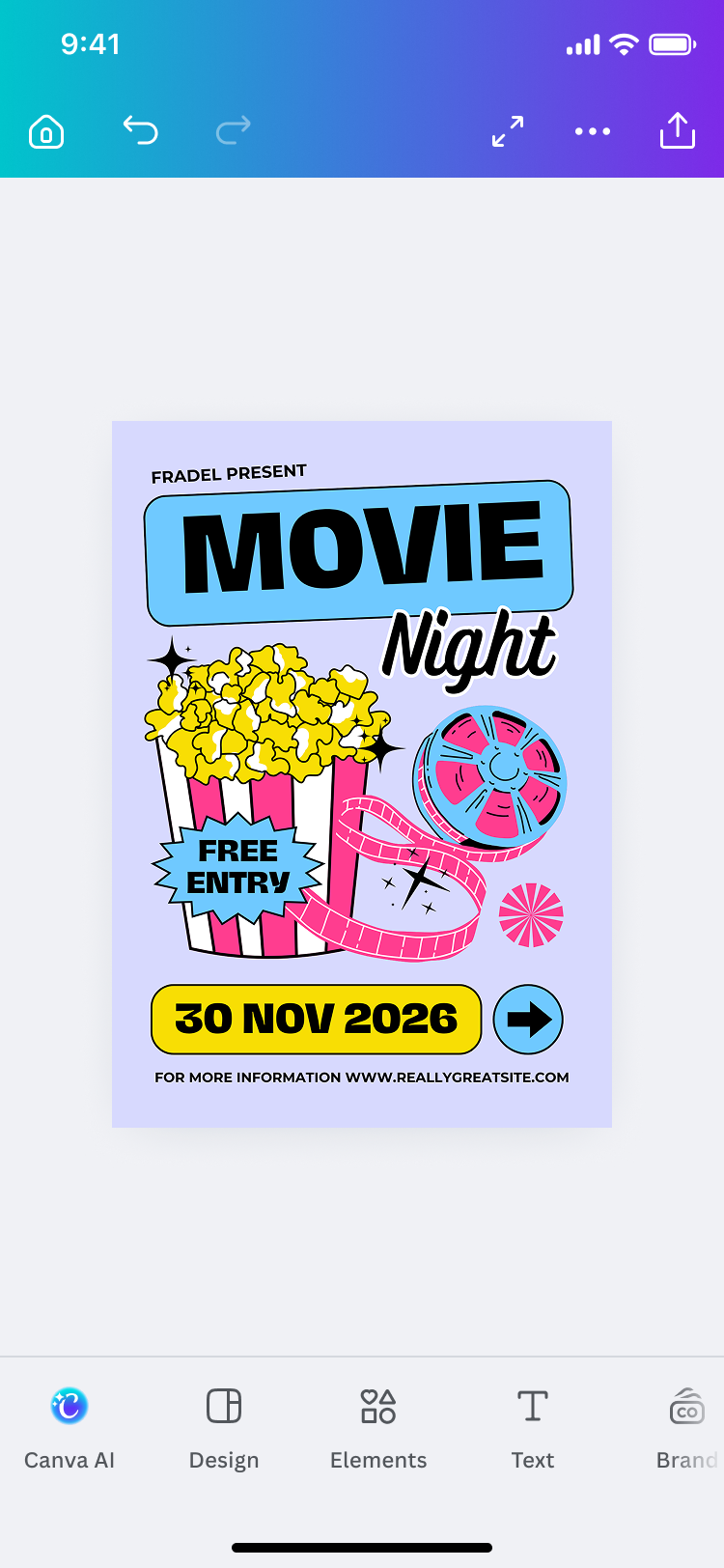
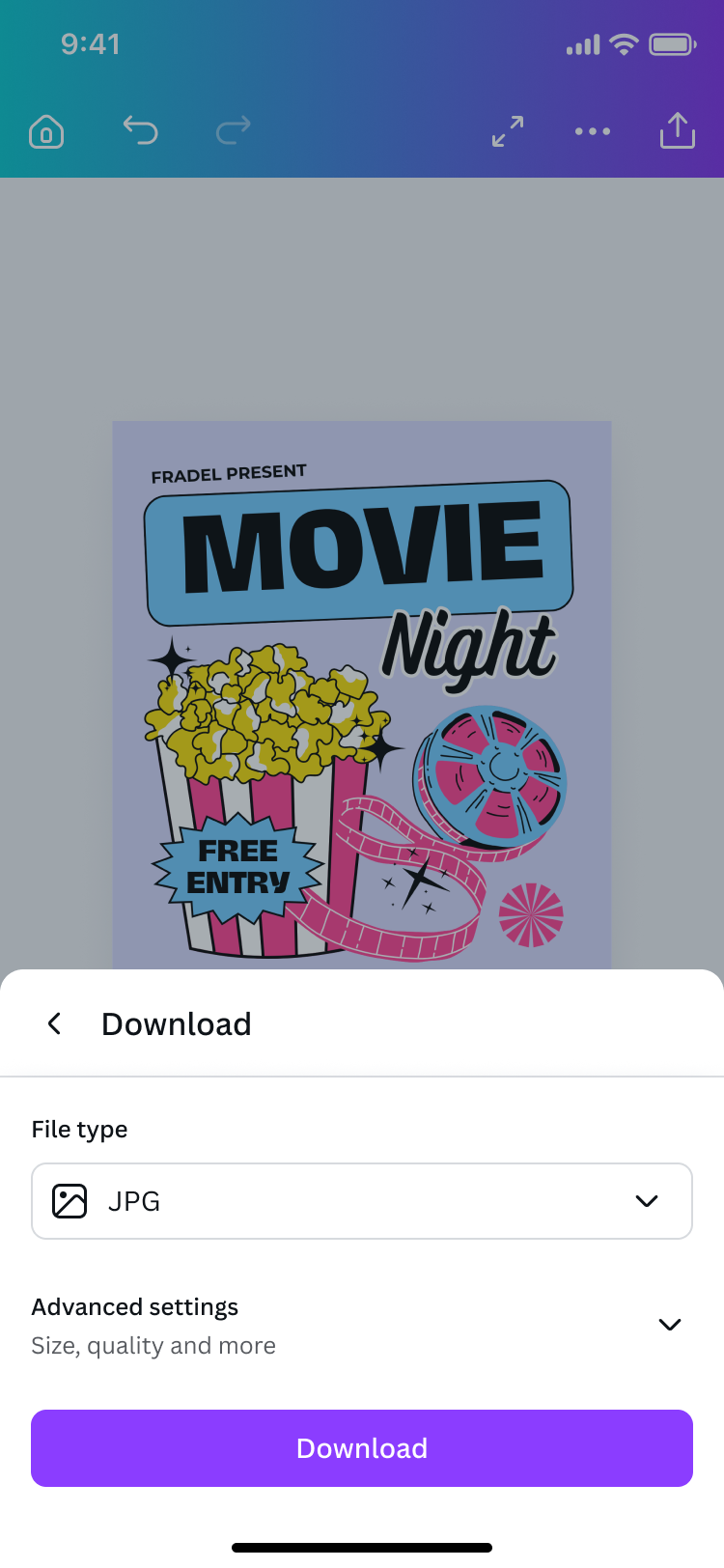
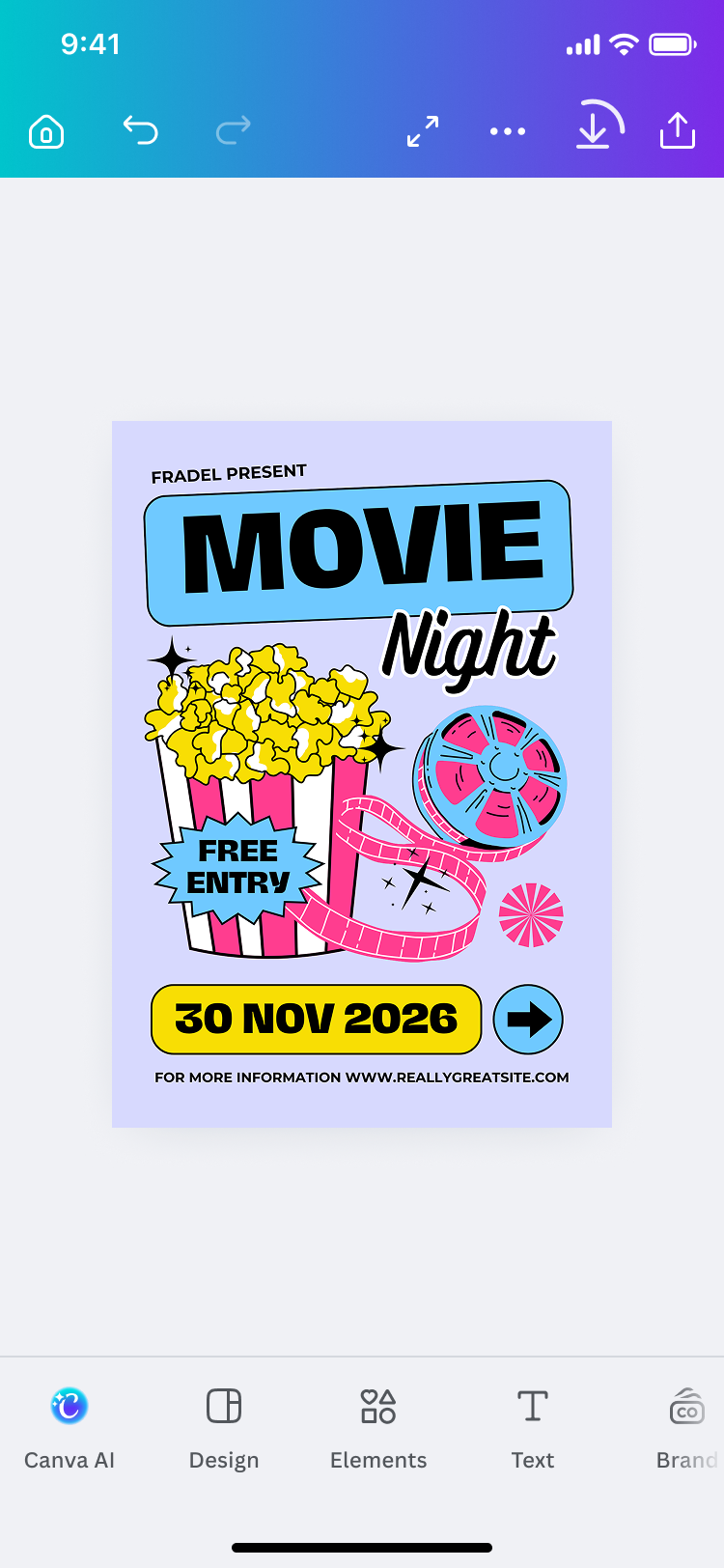
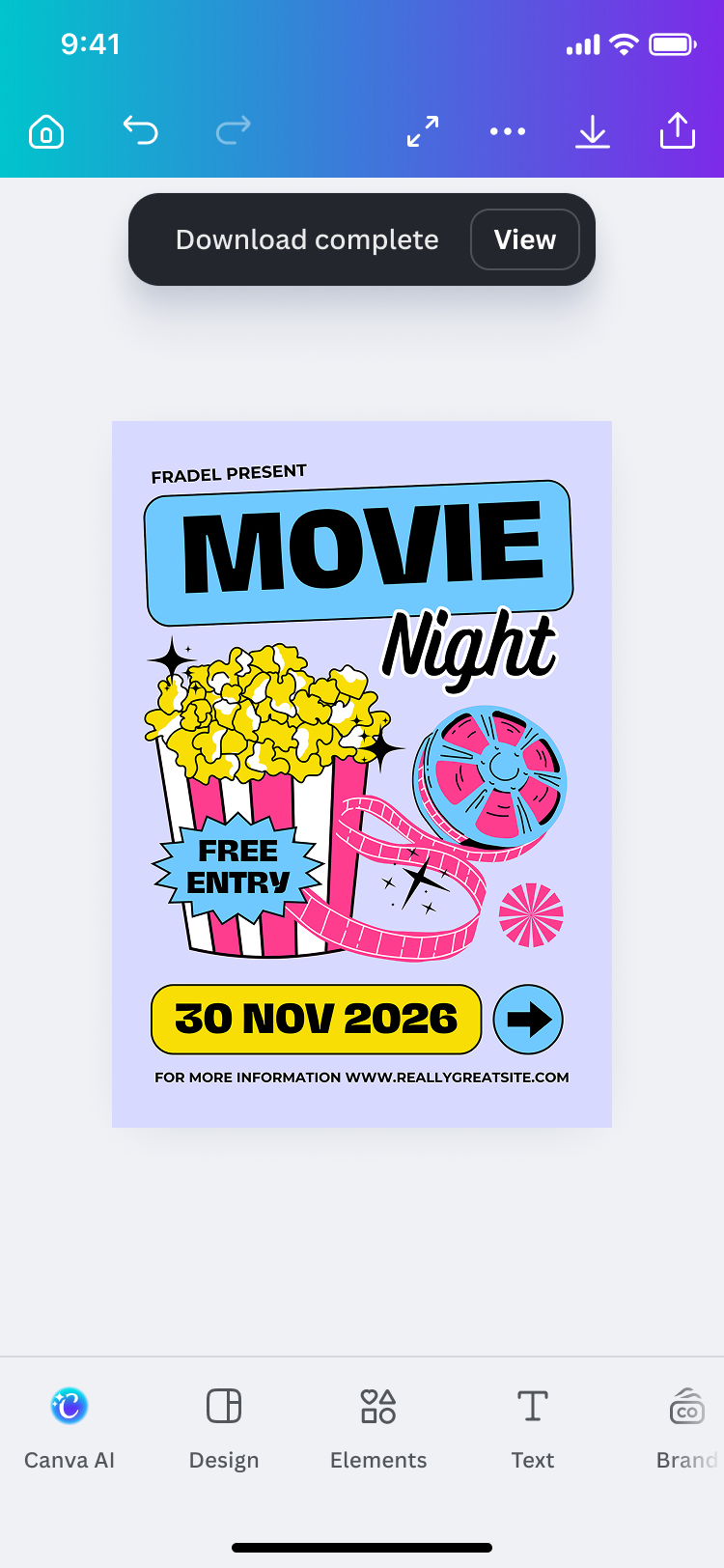
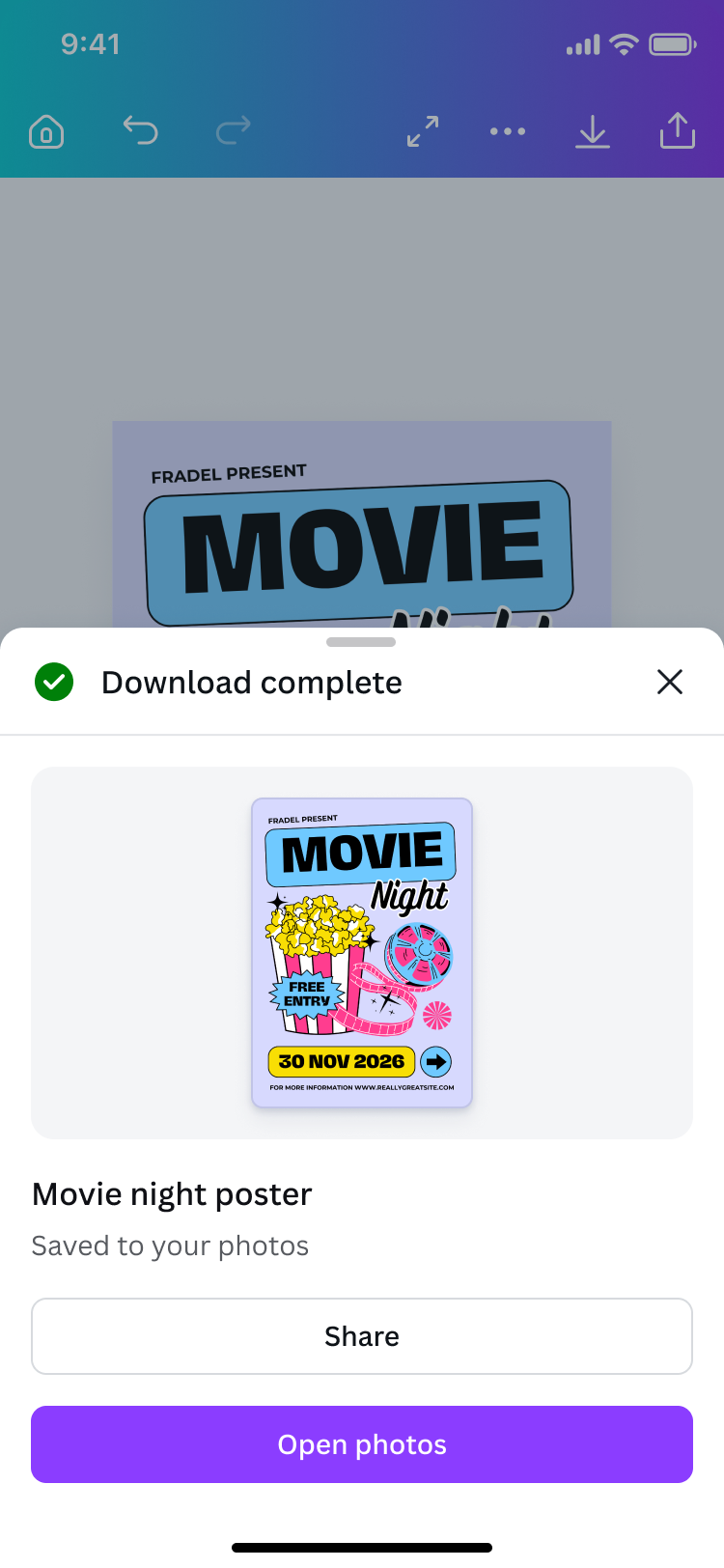
My approach: I used smart defaults and collapsed advanced settings to make the download menu easier to work through. I replaced the misleading animation with accurate progress, made it clear that downloads could continue in the background, and kept progress visible when people returned to editing. Once the download finished, I focused on showing where the file had saved and giving people a way to open it. I also avoided automatically opening share options or prompting people to post to social media. Those prompts focused more on what benefited Canva than what people needed next, and I didn’t want them getting in the way.
My contribution: I designed the experience from download settings through to completion. I also built an interactive prototype so designers, engineers and leadership could try the loading, completion and error states before development. This helped us spot edge cases and agree on the behaviour early, with few changes needed at handoff.